Chain Shield
Blocks known scam sites, fake airdrops, and malicious contracts before they reach your wallet. Safe browsing for every RH Chain user.
The browser that puts RH Chain first. Scam shields, wallet protection, faster DApps, and a safer Web3 experience — built for traders, builders, and everyone on Robinhood Chain.
Blocks known scam sites, fake airdrops, and malicious contracts before they reach your wallet. Safe browsing for every RH Chain user.
Your new tab is a Robinhood Chain dashboard — portfolio shortcuts, testnet faucet, explorer links, and DApp discovery in one place.
Transaction previews, address verification, and approval warnings — so you never sign a bad contract on Robinhood Chain.
Safe by default. Fast DApps. Zero sketchy pop-ups. And an experience that puts RH Chain users over everything else.
Bram blocks phishing sites, fake mint pages, and malicious trackers on every website. Those sketchy "connect wallet" pop-ups? Yeah, we block those too. Your RH Chain wallet stays safe.
Without ads and trackers hogging bandwidth, Robinhood Chain DApps load 3x faster. Less loading spinners, more time trading, building, and exploring the chain.
Shields against fingerprinting and tracking. Wallet Guard warns you before risky transactions. On-by-default protection so RH Chain users browse with confidence.
Bram works right out of the box for Robinhood Chain users. No extensions, no config, no PhD required. Switch in 60 seconds and browse the chain safely.
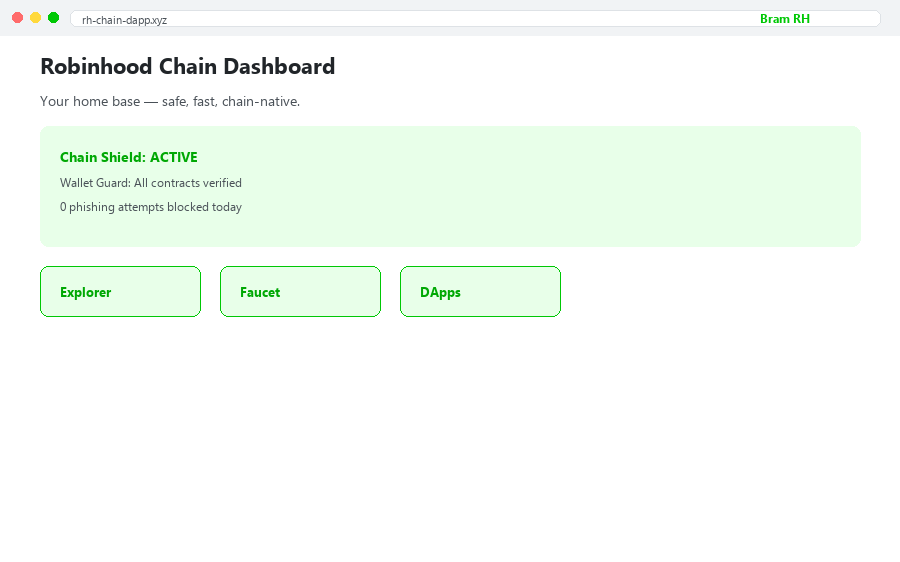
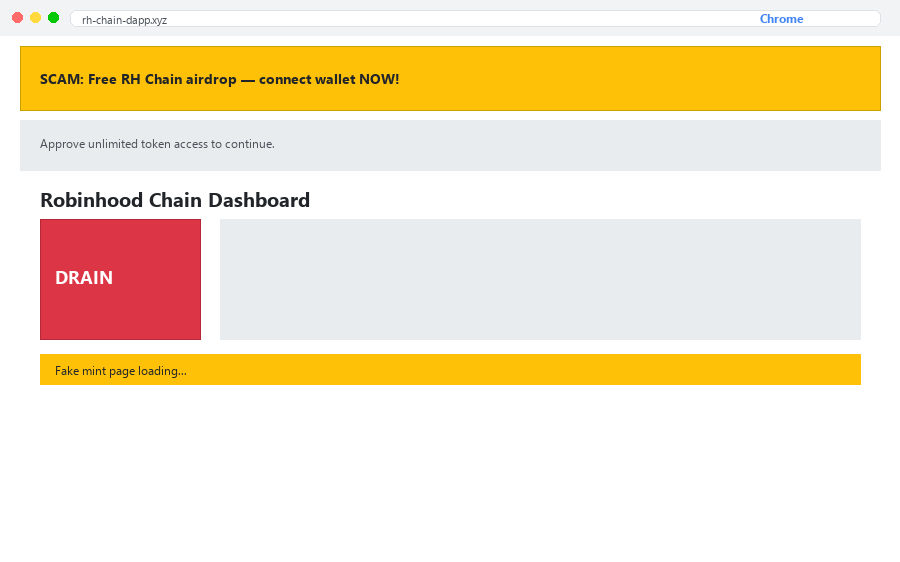
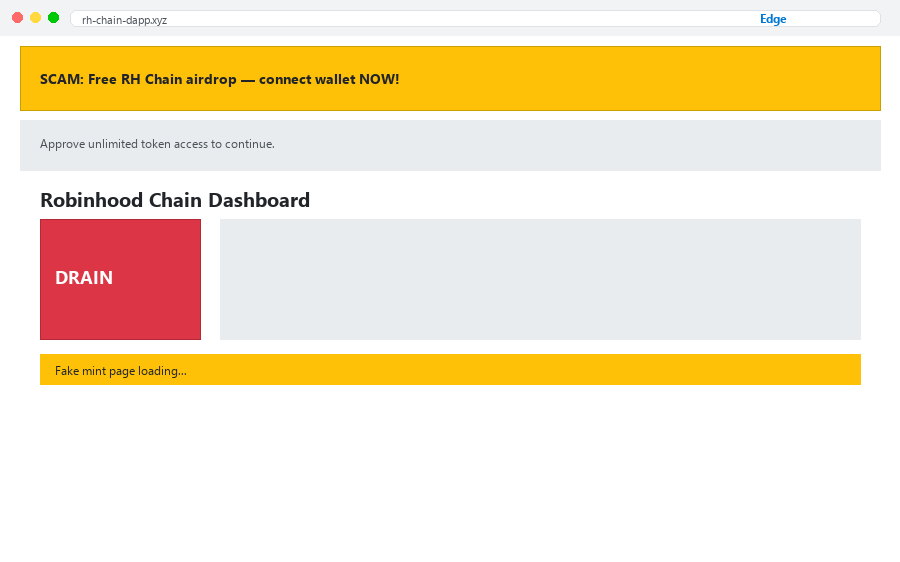
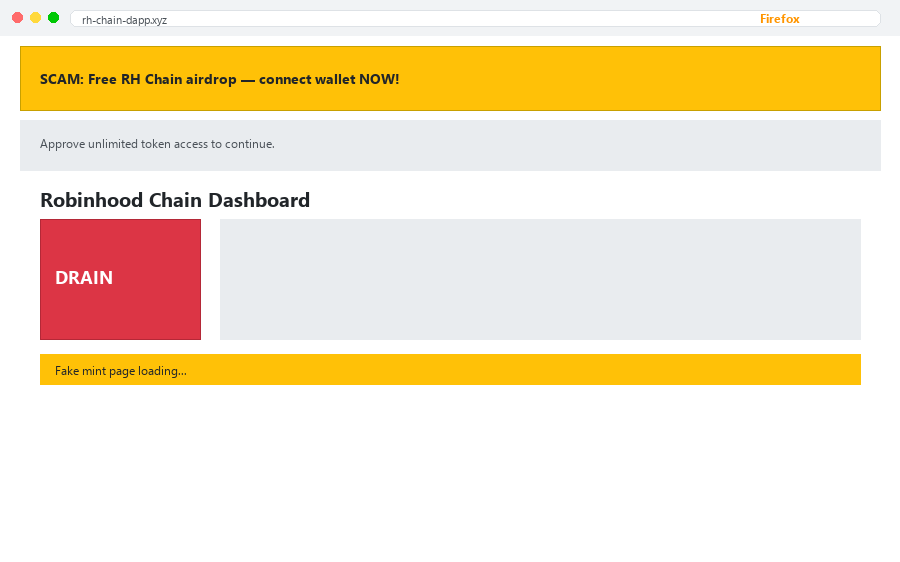
Check out how Bram protects RH Chain users vs. other browsers. Grab the slider to see the difference.
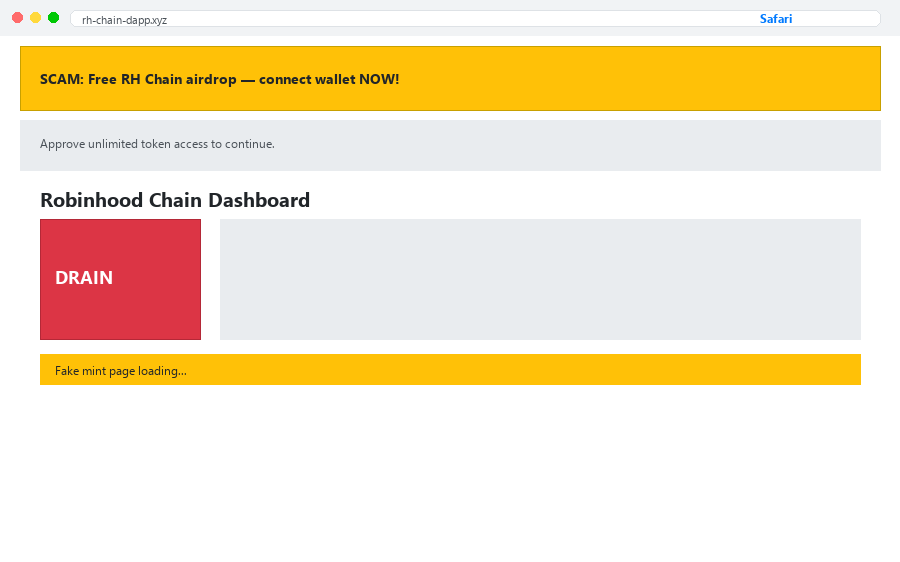
Drag the slider or tap to compare
See how Bram stacks up for Robinhood Chain users against other browsers.
Chrome has no chain shields, no scam blocking, and no wallet guard. Bram was built for RH Chain from day one.
See how Chrome comparesFirefox blocks some trackers but lacks Robinhood Chain-native features like contract verification and DApp shortcuts.
See how Firefox comparesMost browsers let phishing sites and fake airdrops through. Bram stops them before your wallet connects.
See the differenceOther browsers give you a blank page. Bram gives RH Chain users a dashboard — explorer, faucet, DApps, all one click away.
See RH HomeDownload Bram Browser for Robinhood Chain. Free, chain-safe, and fast out of the box.
~100 MB • Built with Chromium • Chain Shield & Wallet Guard included
Yes — Bram is one of the safest browsers for RH Chain users. Chain Shield blocks scam sites and malicious contracts. Wallet Guard warns you before risky transactions. Trackers and fingerprinting are blocked by default. Every page upgrades to HTTPS when possible. Built on open-source Chromium, trusted by billions worldwide.
Your new tab opens to an RH Chain dashboard — explorer links, testnet faucet, DApp shortcuts, and portfolio tools. Chain Shield and Wallet Guard are tuned for Robinhood Chain contracts. It's not just a browser — it's your home base on the chain.
Click Download at the top or scroll to the download section. For Windows you get a real installer (~100MB). Run it and Bram RH Chain Browser is ready — address bar, tabs, Chain Shield, Wallet Guard, and RH Home dashboard included.
There's also a Portable version if you prefer not to install.
Yes. Chain Shield blocks known phishing domains, fake airdrop pages, drainer contracts, and suspicious wallet-connect prompts. You'll see a warning before anything dangerous loads — keeping your RH Chain assets safe.
Chain Shield is Bram's built-in protection layer for Robinhood Chain users. It blocks scam sites, verifies contract addresses, stops trackers, and filters malicious scripts — all enabled by default, no extensions needed.
Chrome has no native chain protection, no wallet guard, and no RH Chain dashboard. Bram loads DApps 3x faster by blocking ads and trackers, plus adds scam protection Chrome simply doesn't have.
Yes, Bram for Robinhood Chain is completely free. Download and start browsing safely. Premium features like advanced Wallet Guard analytics are coming soon.
Yes. Bram Browser is built on the open-source Chromium Web core and our client code is released under the Mozilla Public License 2.0.